Write one sentence. Get a working Android routine.
Rulomi turns a written instruction into up to four typed triggers, up to four conditions, and up to eight sequential actions. It works on the device, or with the optional AI planner when the wording is beyond its parser, shows you exactly what it understood, then runs on real Android APIs.
- AlarmManagerschedules
- Foreground monitorcharging, battery, Wi-Fi, Bluetooth, headphones, motion, proximity, light, rotation
- Usage accessan app opening or closing
- Notification accessanother app's notifications
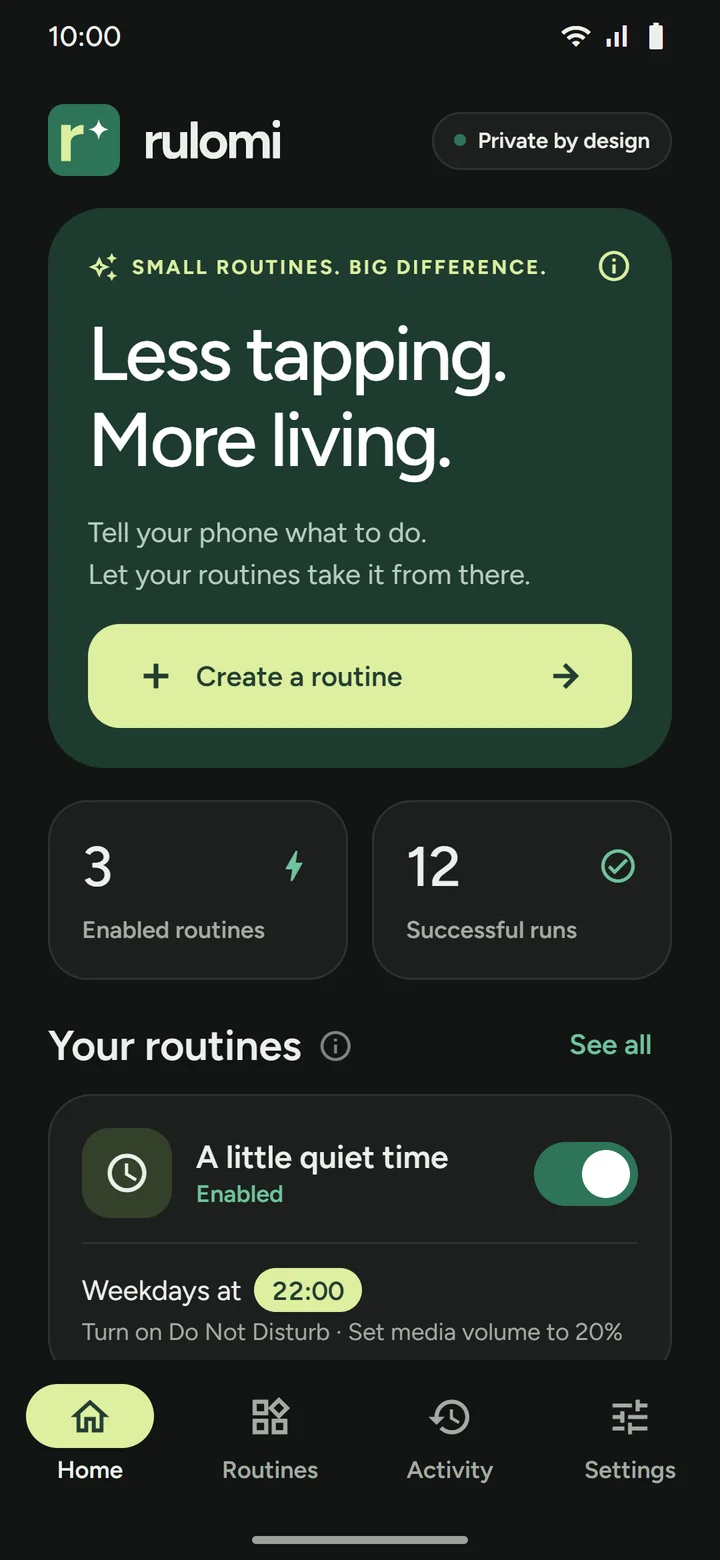
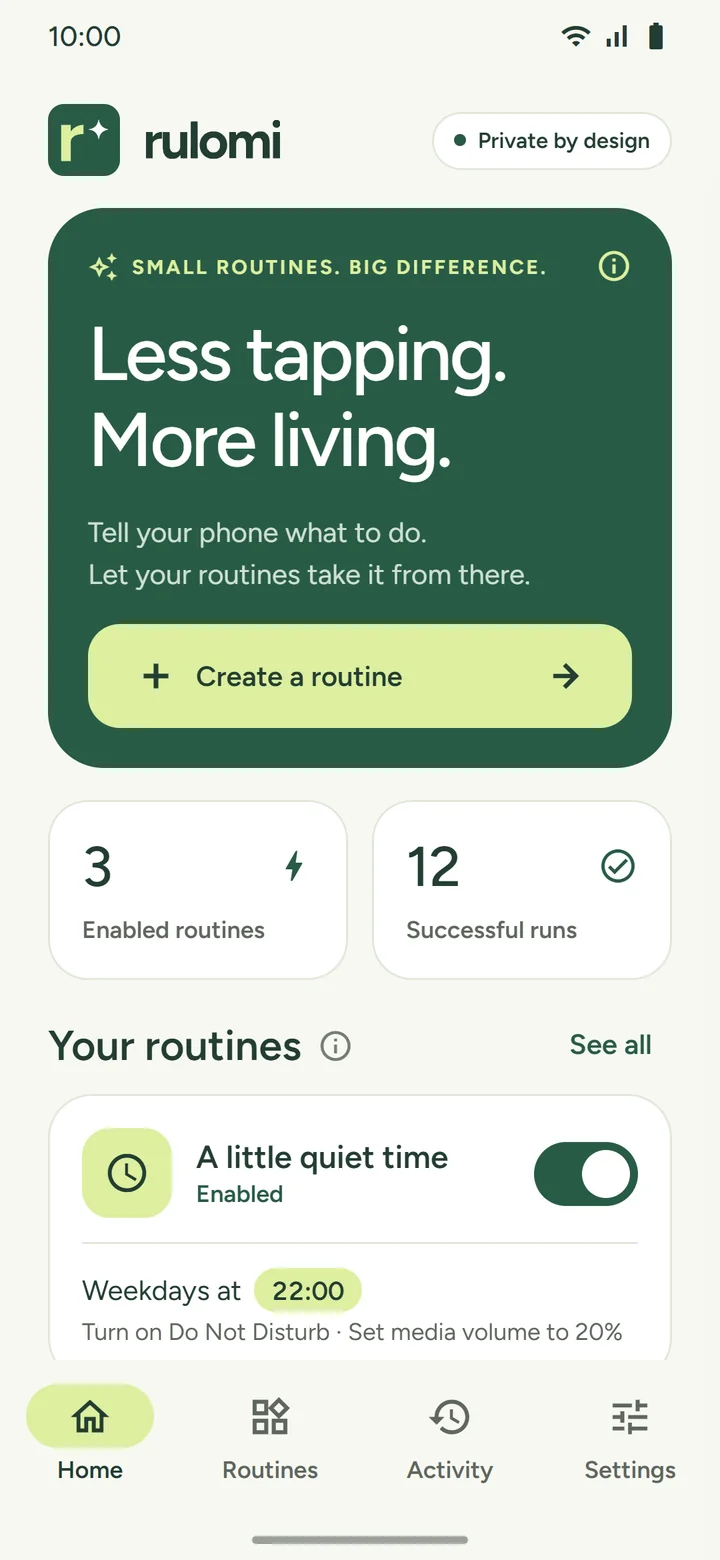
Describe, review, enable — nothing runs before you approve it
Every required permission is checked before any action executes. An instruction that is only partly understood produces an explanation and cannot be enabled; the AI planner may offer the part it could place, which you review like any plan.
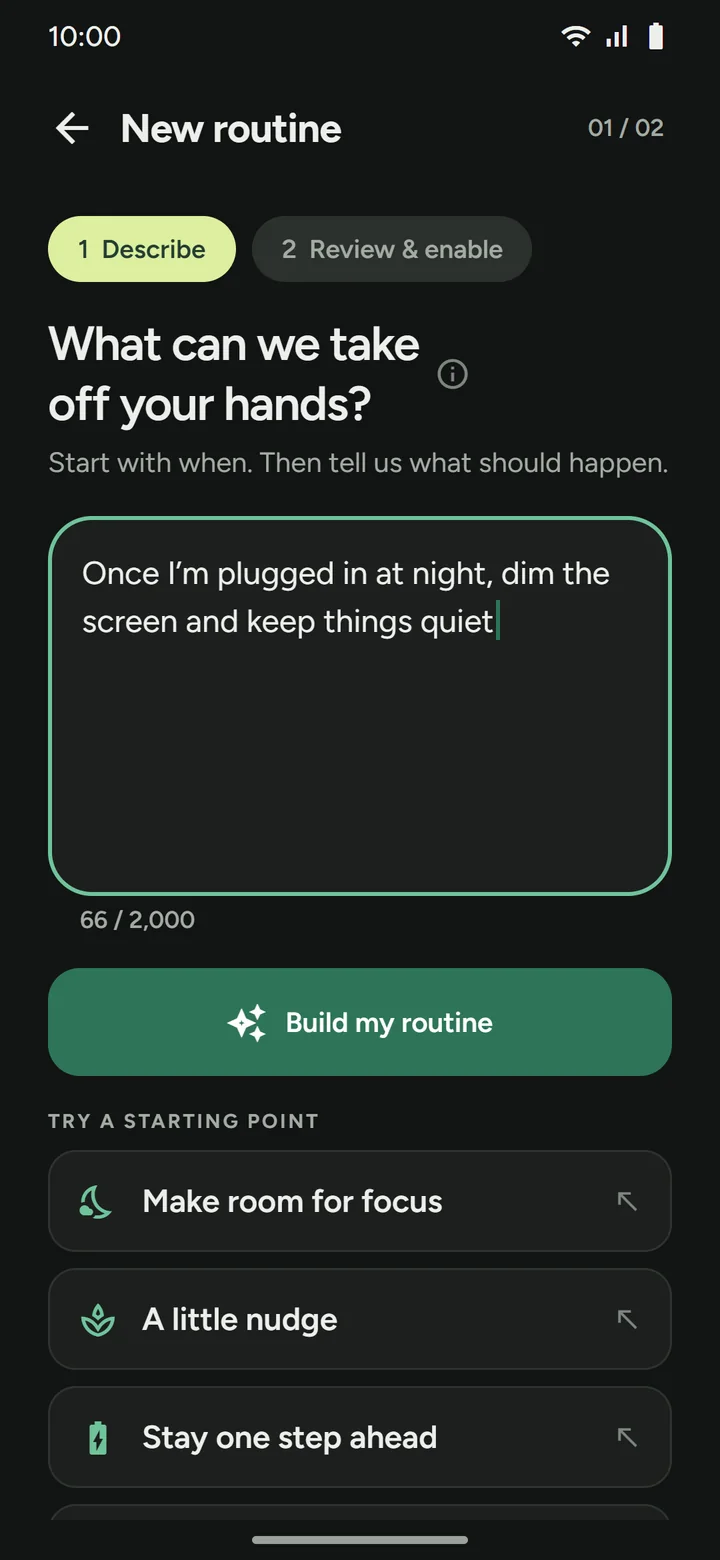
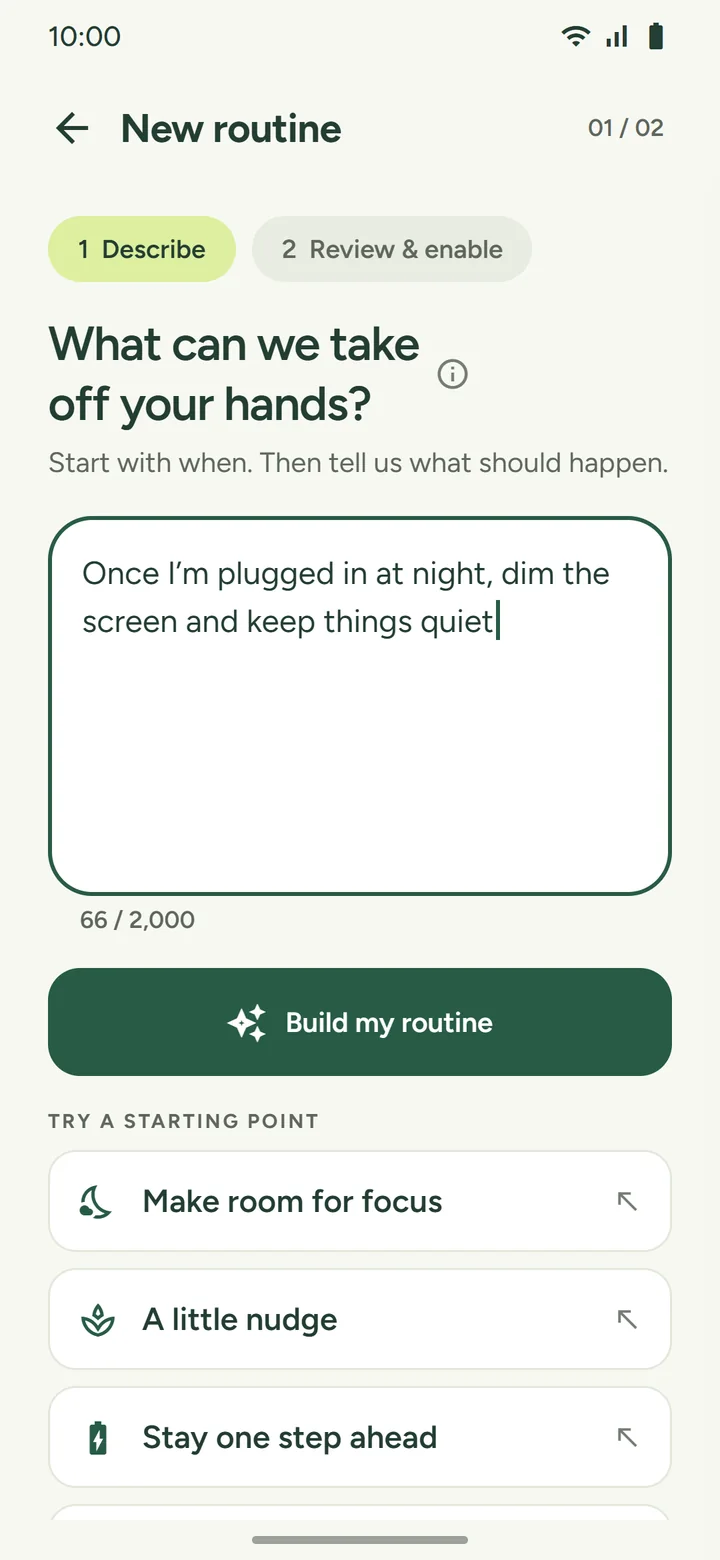
Say what should happen, in a sentence
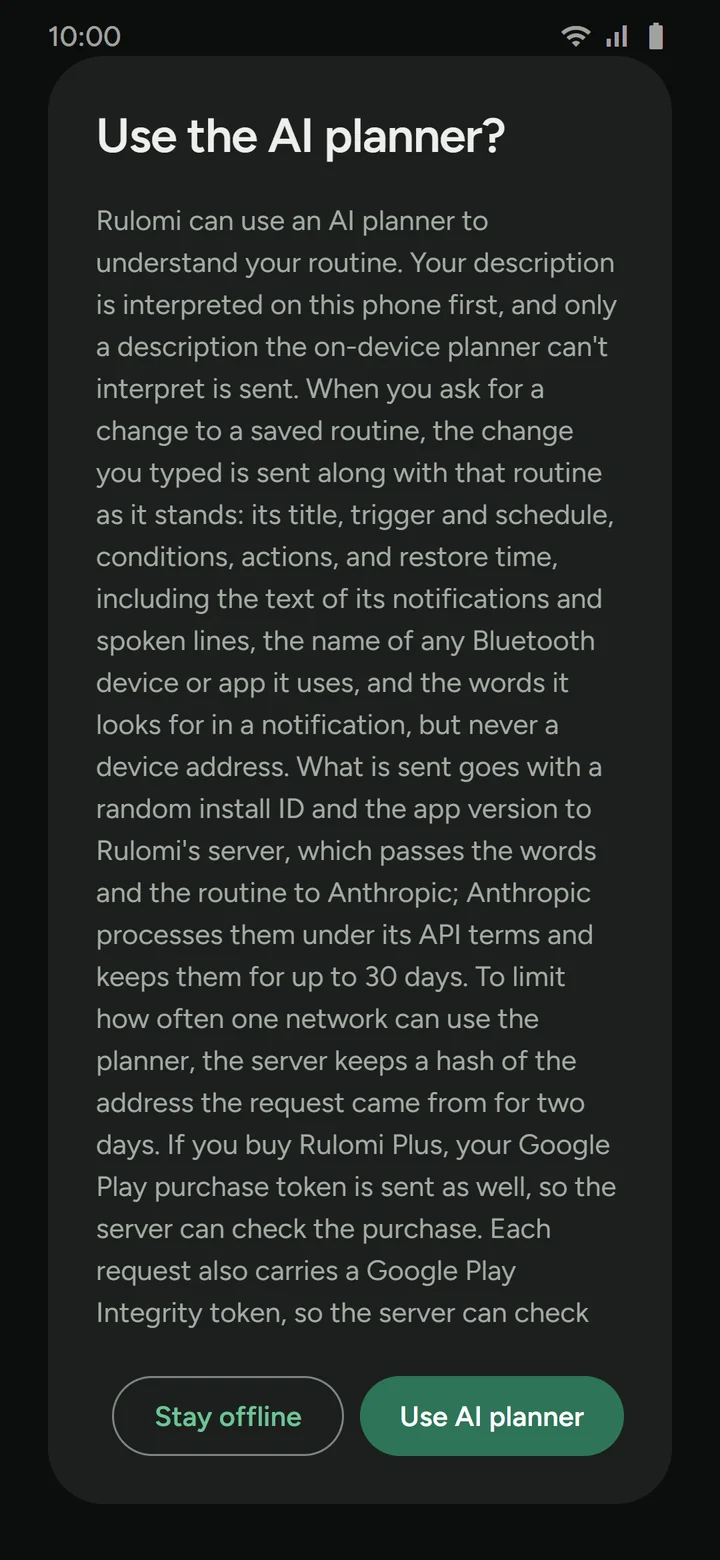
Type up to 2,000 characters, or start from a preset. The on-device parser tries first; with your consent, wording it can't place goes to the optional AI planner. Either returns a plan or a message explaining what to revise.
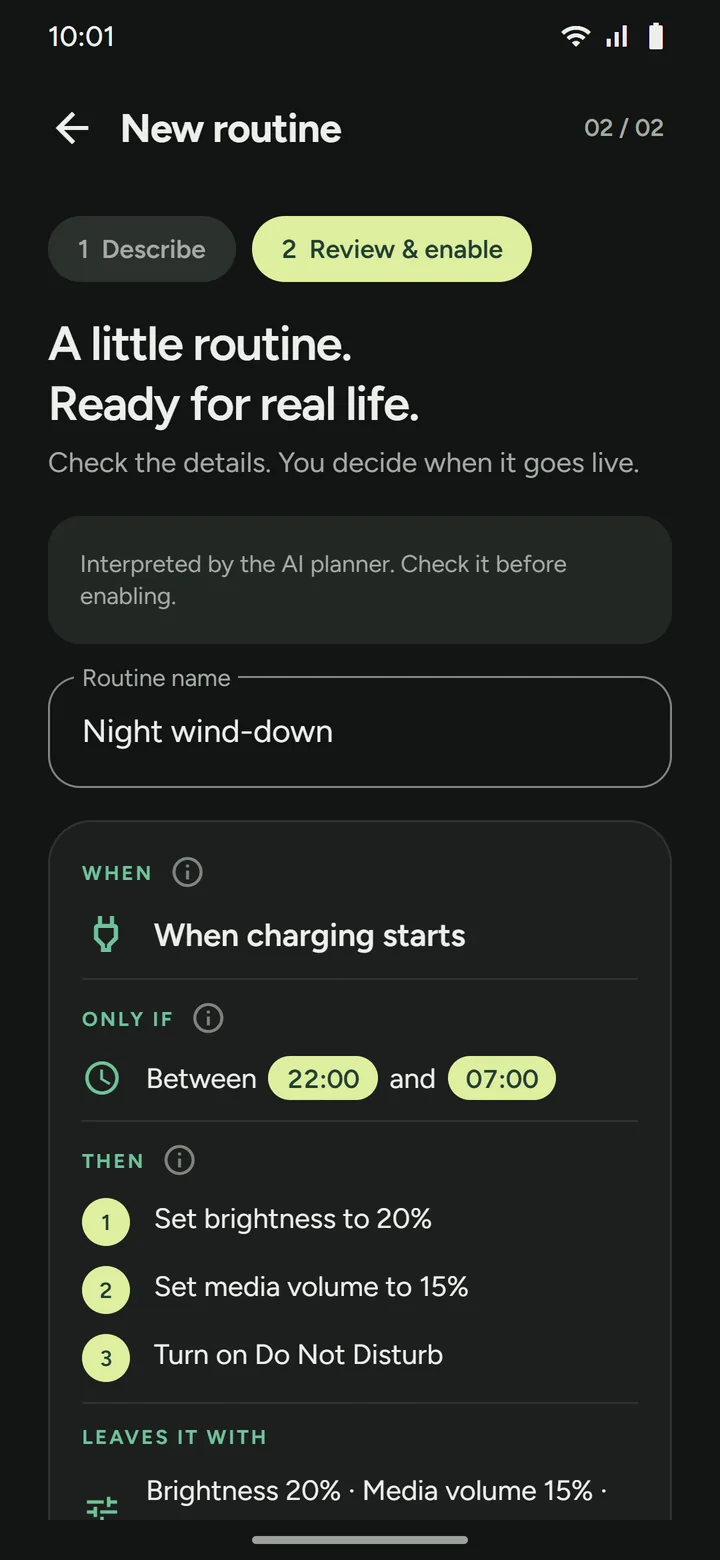
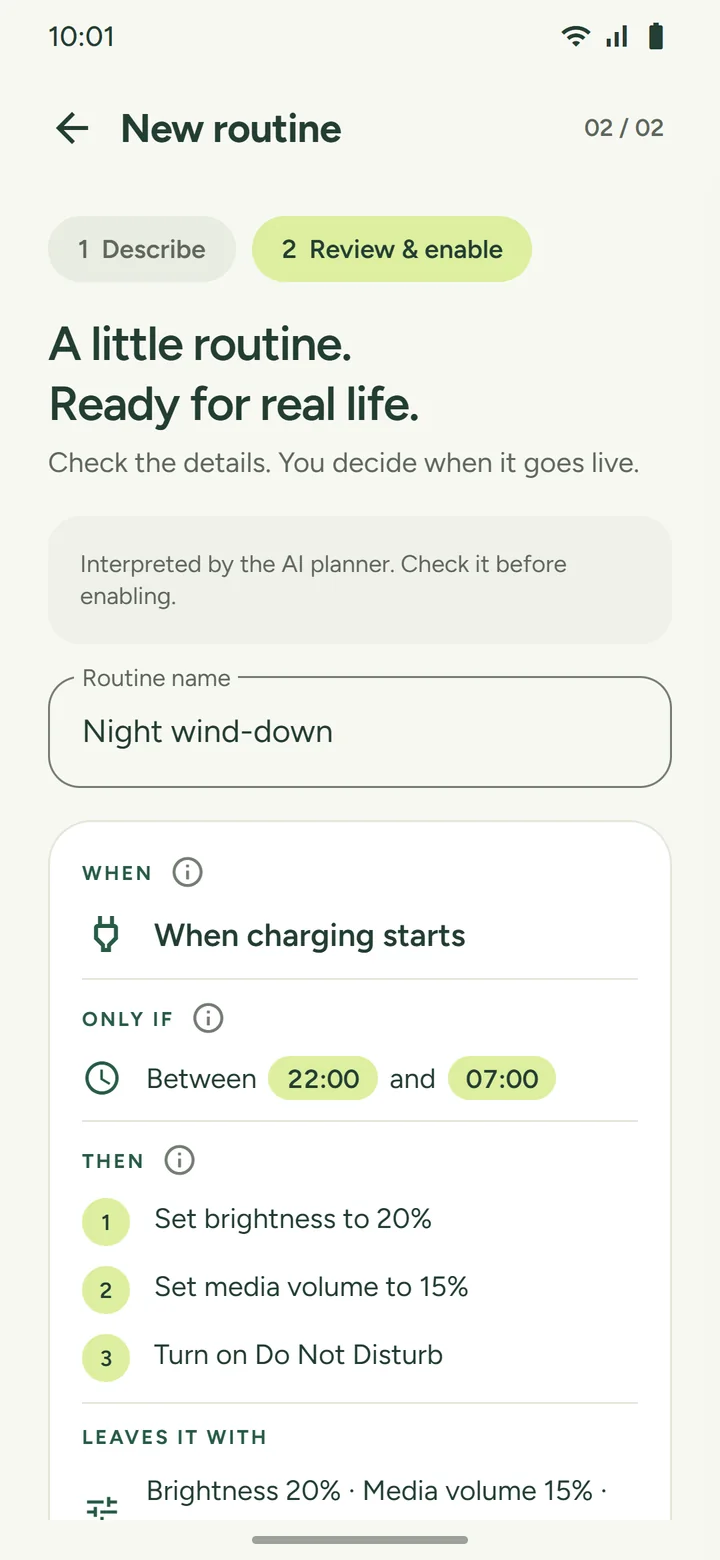
Check exactly what it understood
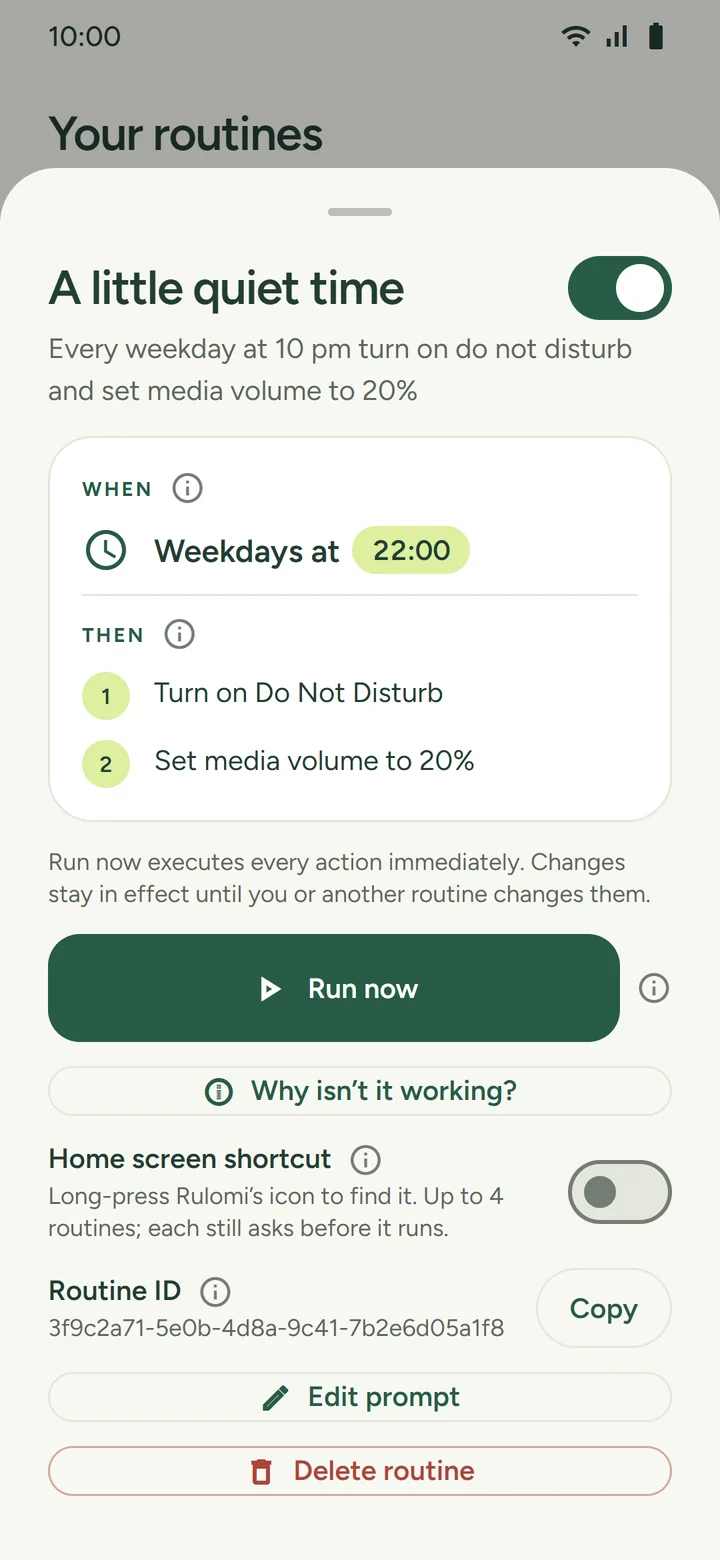
See the parsed WHEN, any ONLY IF, and the numbered THEN list, and what the routine leaves the phone set to. Rename it, grant the specific access Android requires, or save it paused.
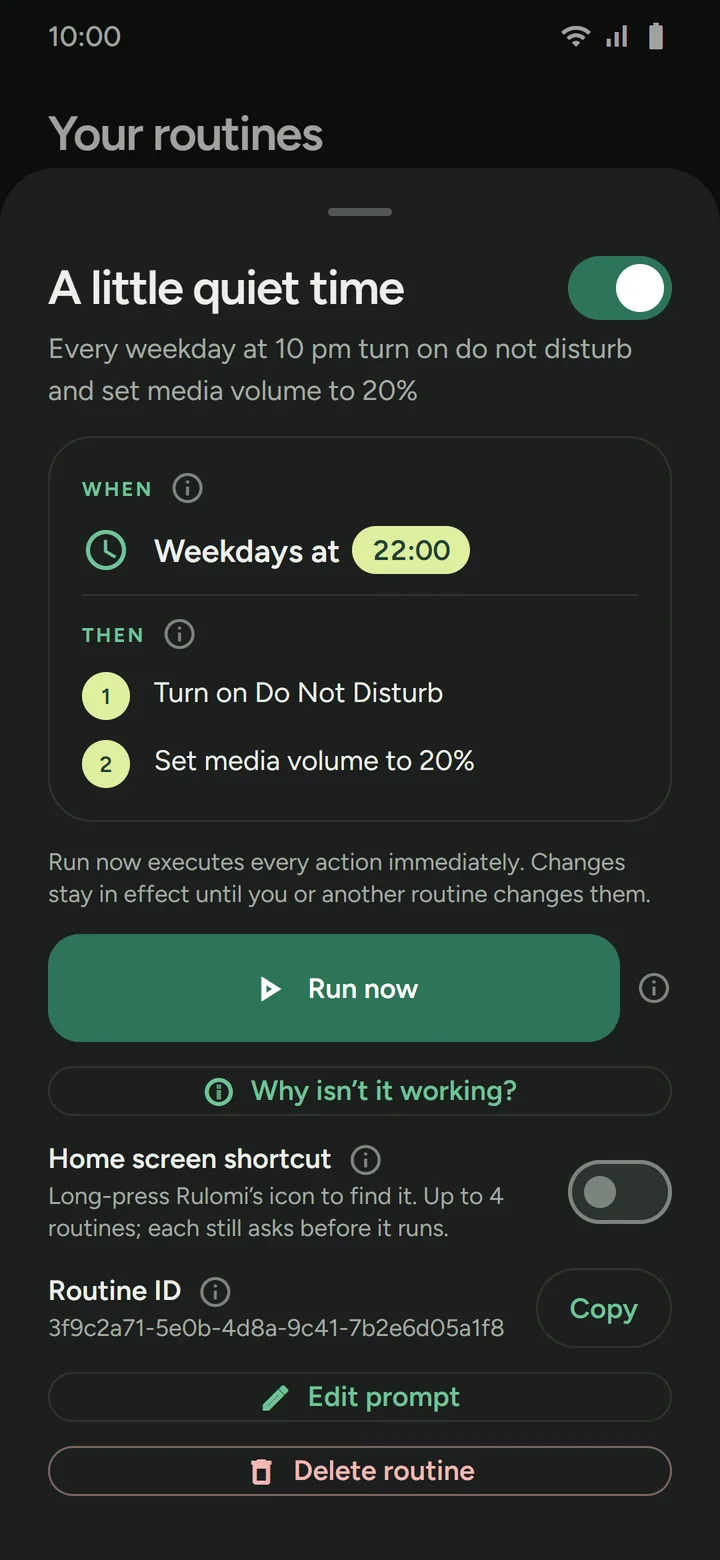
Run it, change it, and see why it did or didn't
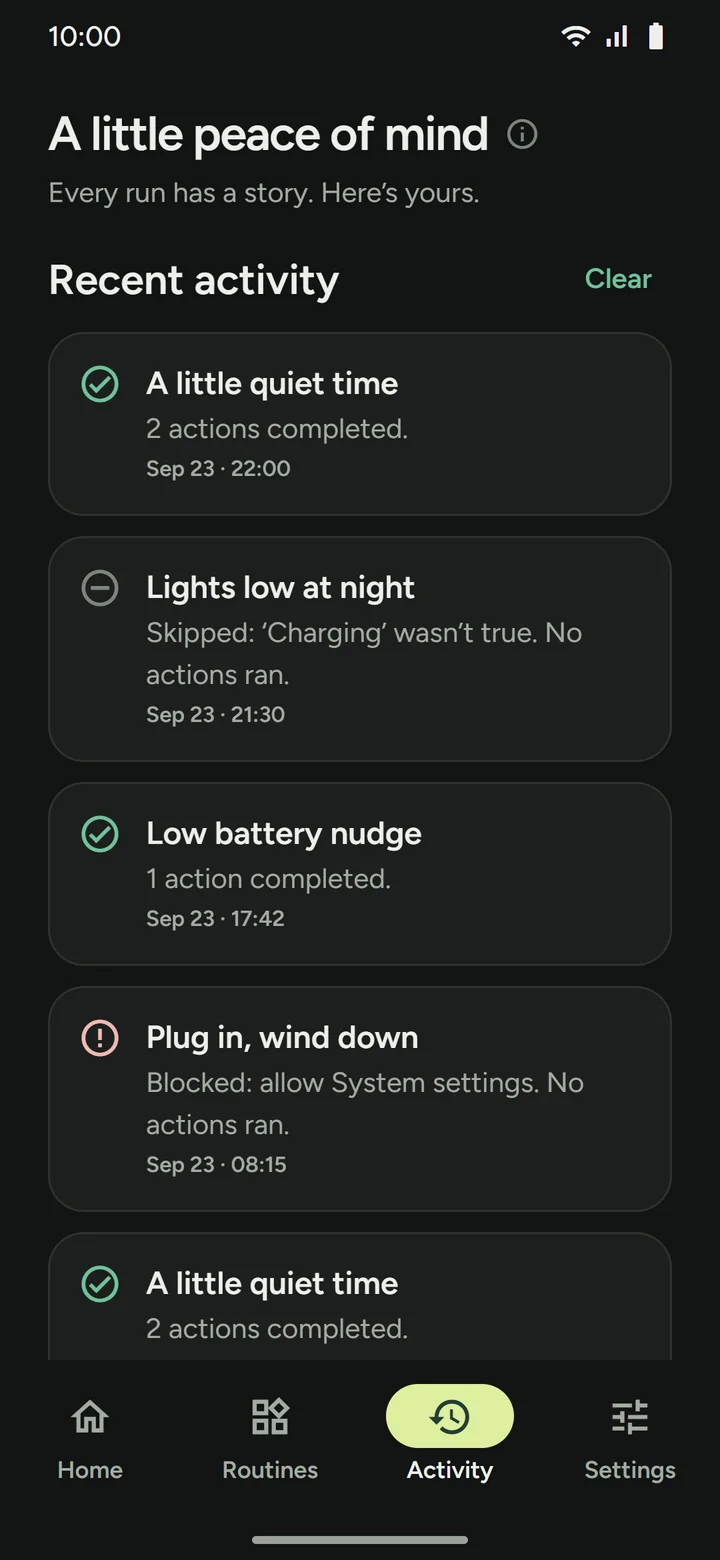
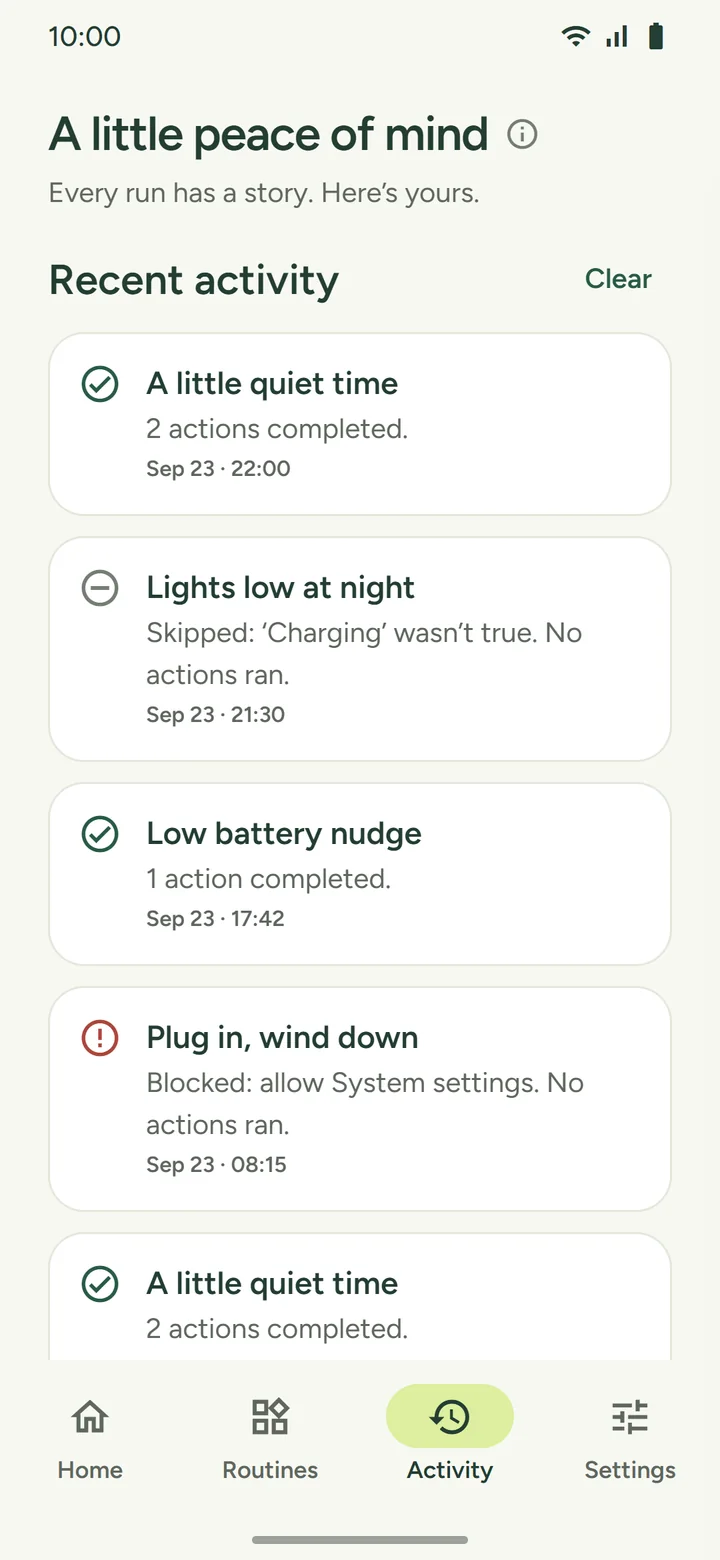
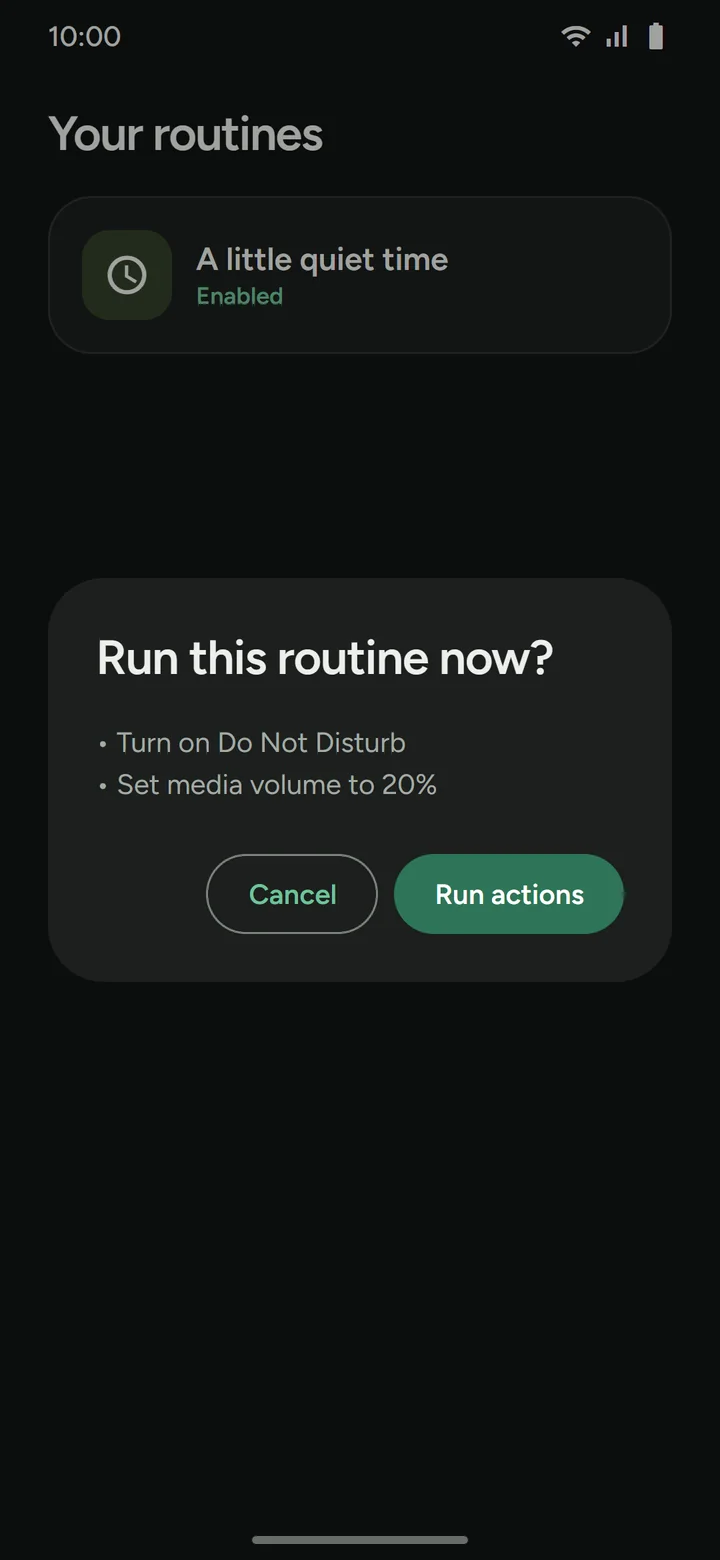
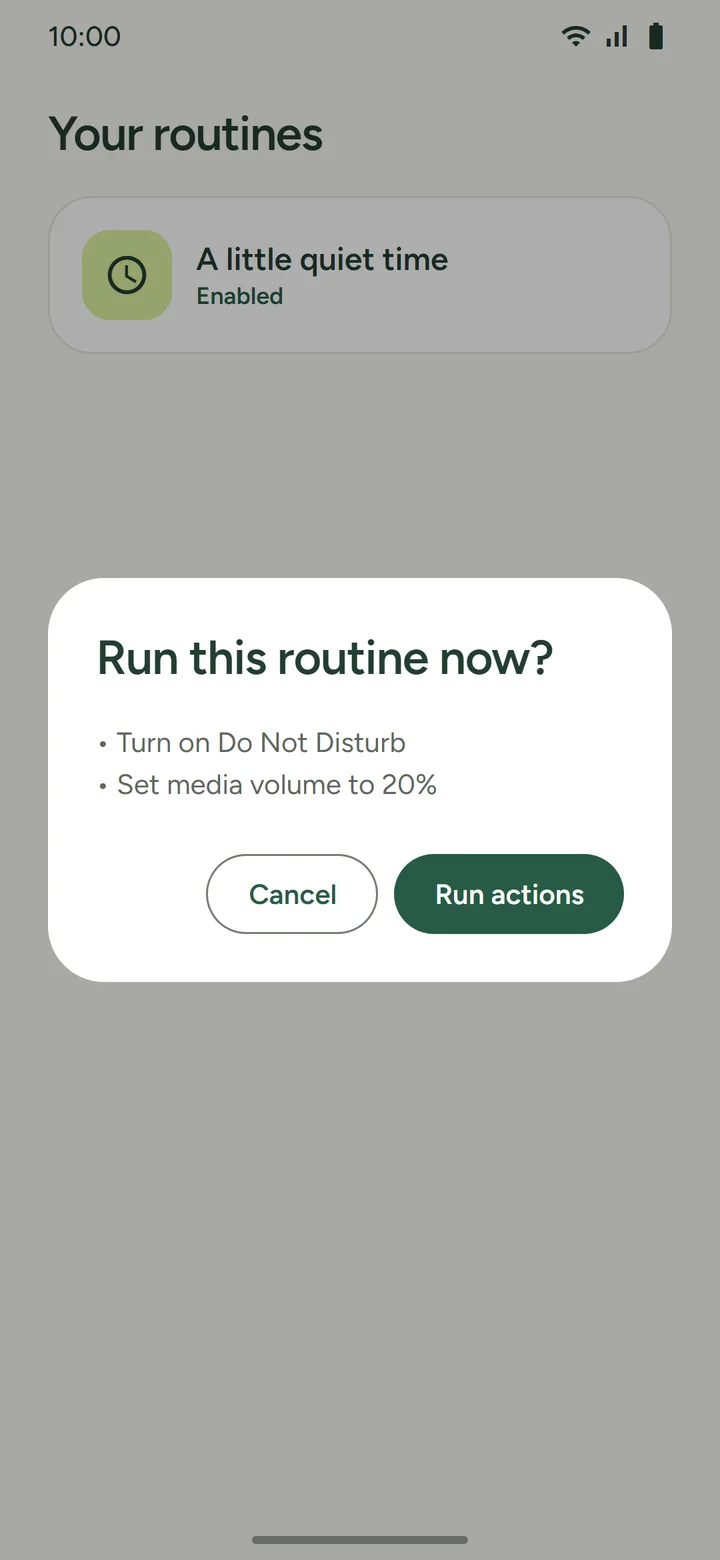
Edit, pause, delete, or Run now with a confirmation. With the AI planner on, you can also type a change such as “make it 10 pm” and apply it to the routine as it stands. Activity records successful, skipped, blocked, and partially completed runs, including how many actions succeeded, and each routine's Why isn't it working? checks what could stop it.
Every routine, every run, in plain view
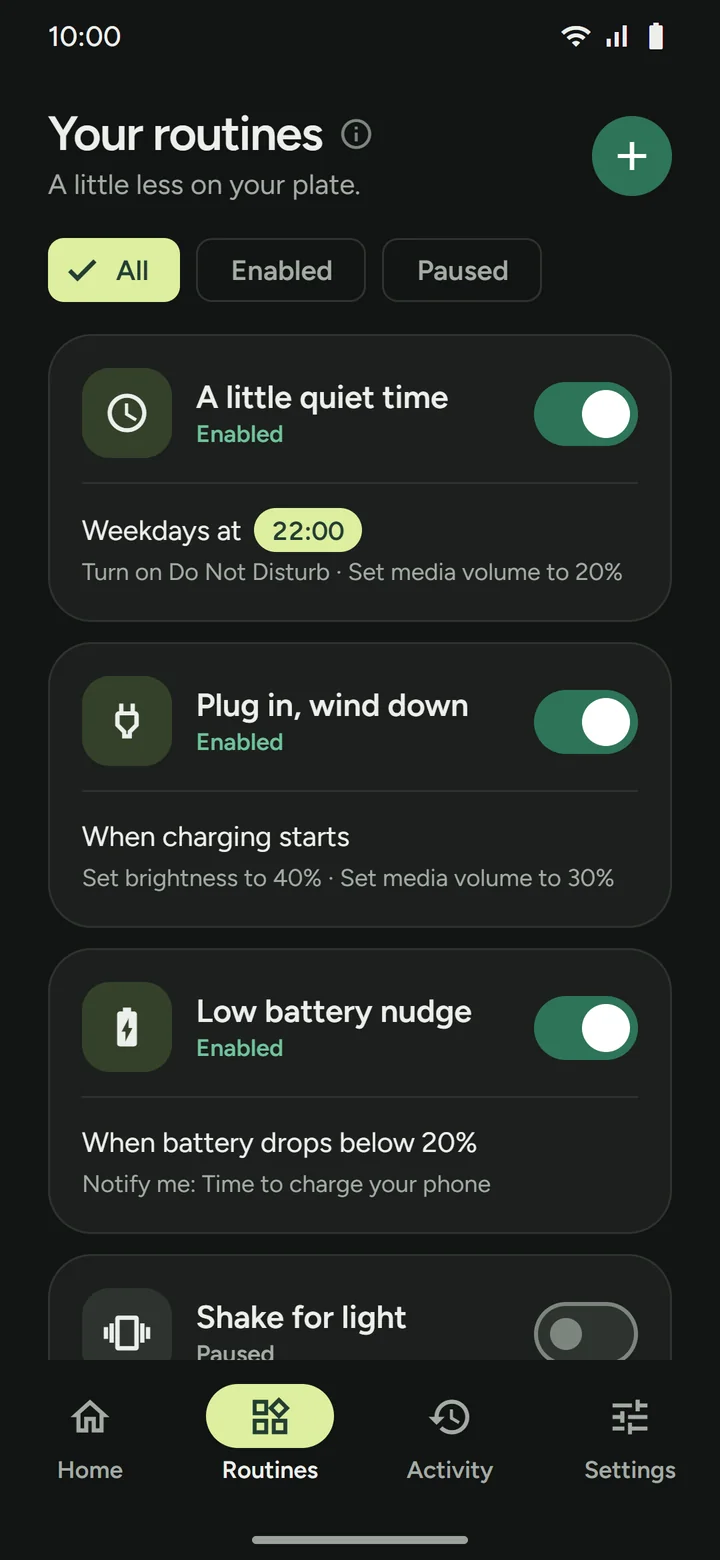
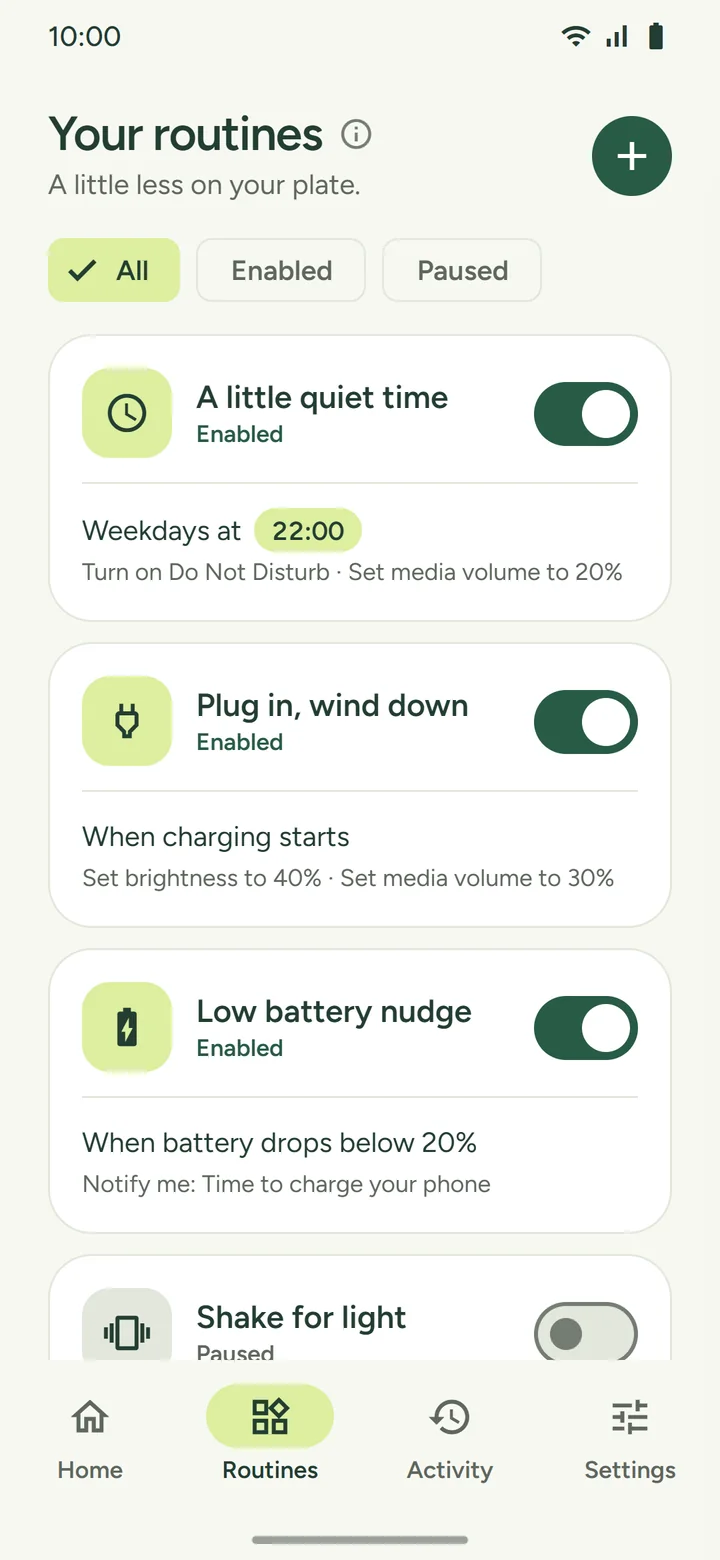
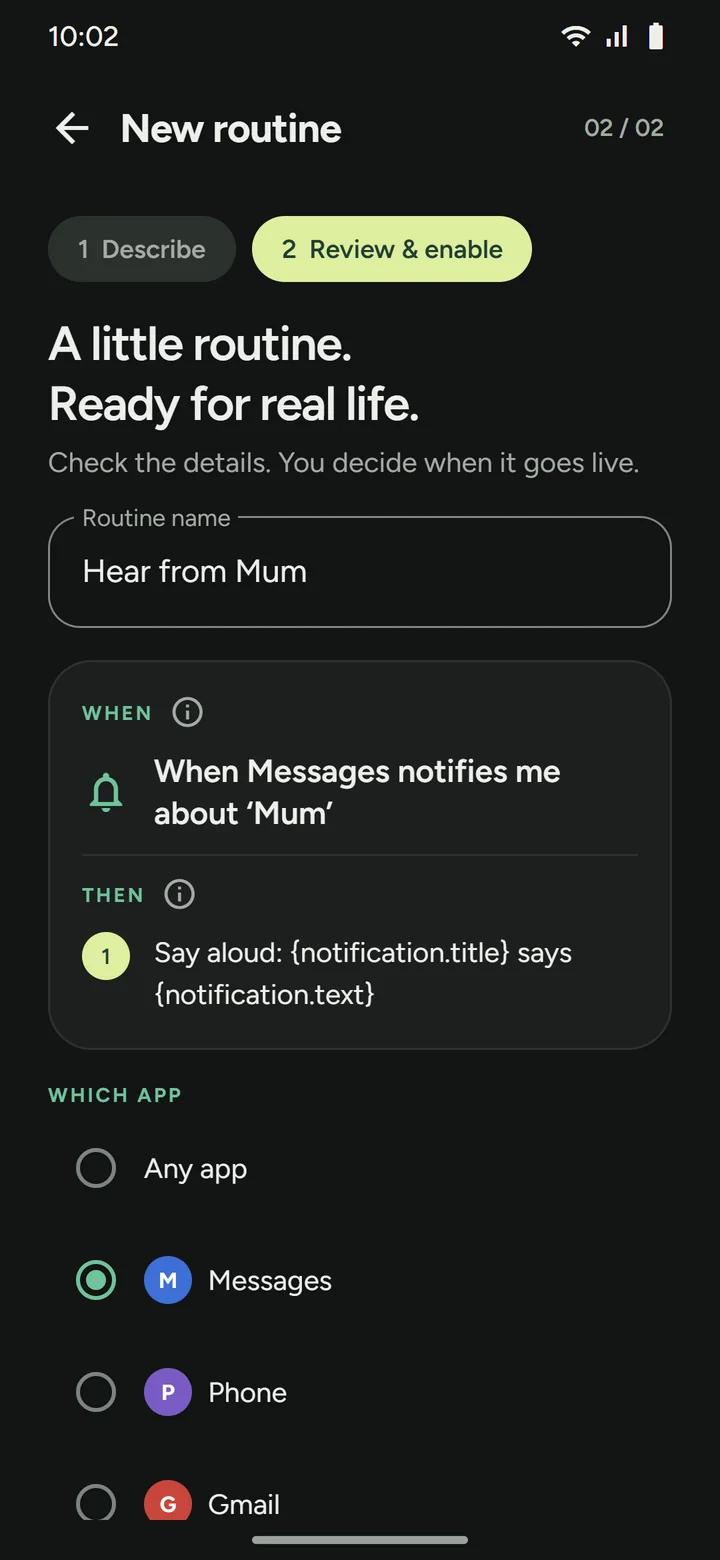
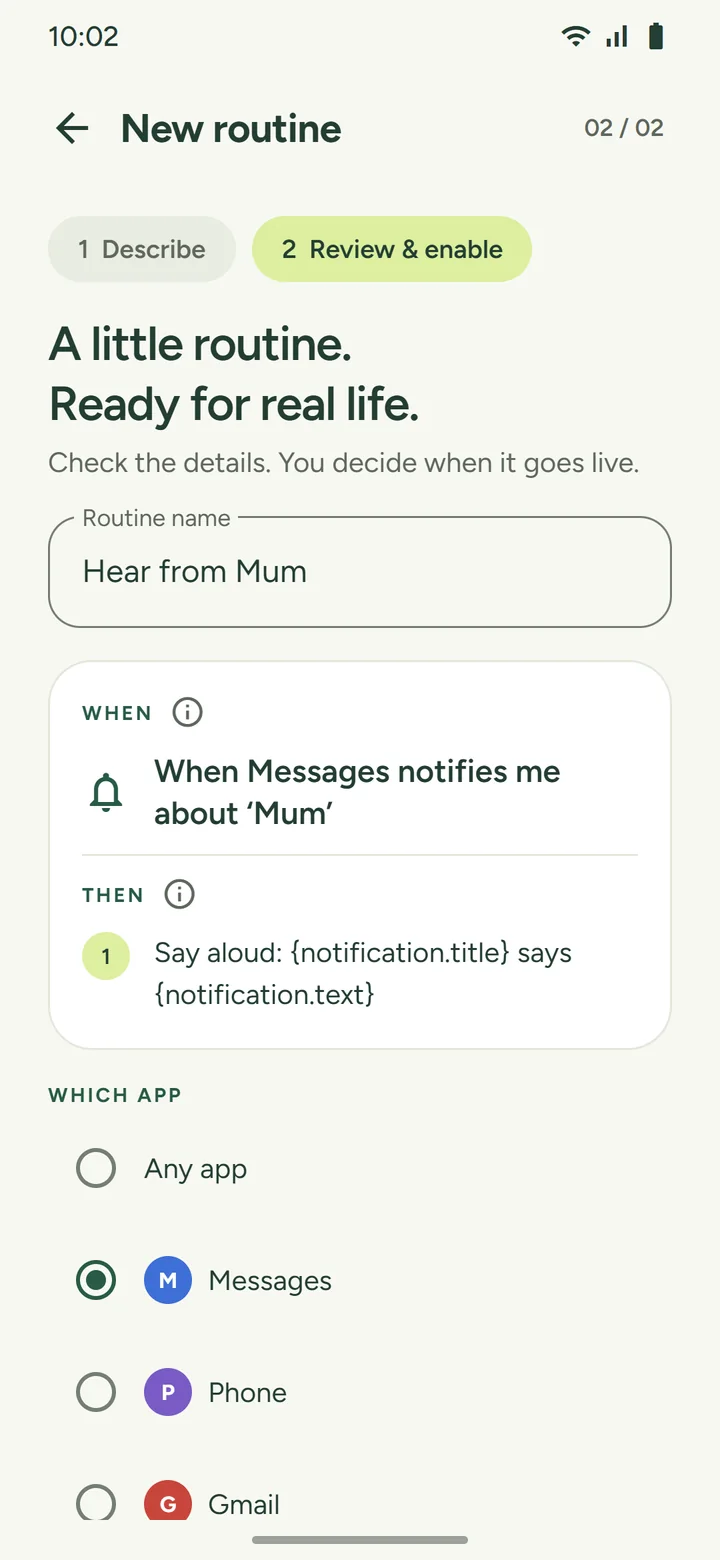
Use an explicit am/pm time or HH:mm. Separate actions with and, and then, then, a comma, or a semicolon. Conjunctions inside quoted notification text are preserved. Conditions go at the end, after if, only if, while, or when, and combine with and; one group of them may be joined by or if a comma and and set it apart from the rest. Percentages must be in range. In a notification routine you pick the app on the review screen.
Twenty-nine triggers, eighteen conditions, and twenty-three actions, up to eight per routine
Conditions combine with “and”, and one of them may be a group of two to four joined by “or”, set apart from the rest with “, and”, as in “if charging or on Wi-Fi, and on weekdays”. A mix that reads two ways is refused rather than guessed, and so is a condition the trigger makes impossible, such as battery below 20% as the trigger with battery above 50% as the condition. A sensor reading can be a trigger and never a condition. Rulomi cannot reply to a notification or press its buttons, because that is the step where an app starts acting as you inside other apps, and it is left out deliberately. This is not Tasker or MacroDroid parity; see how they compare.
To see them working together, start from a recipe: Do Not Disturb at night, auto-rotate only for certain apps, car Bluetooth volume, or reading WhatsApp messages aloud. Each is one sentence you can paste; see all the recipes.
Internet access exists for one optional feature
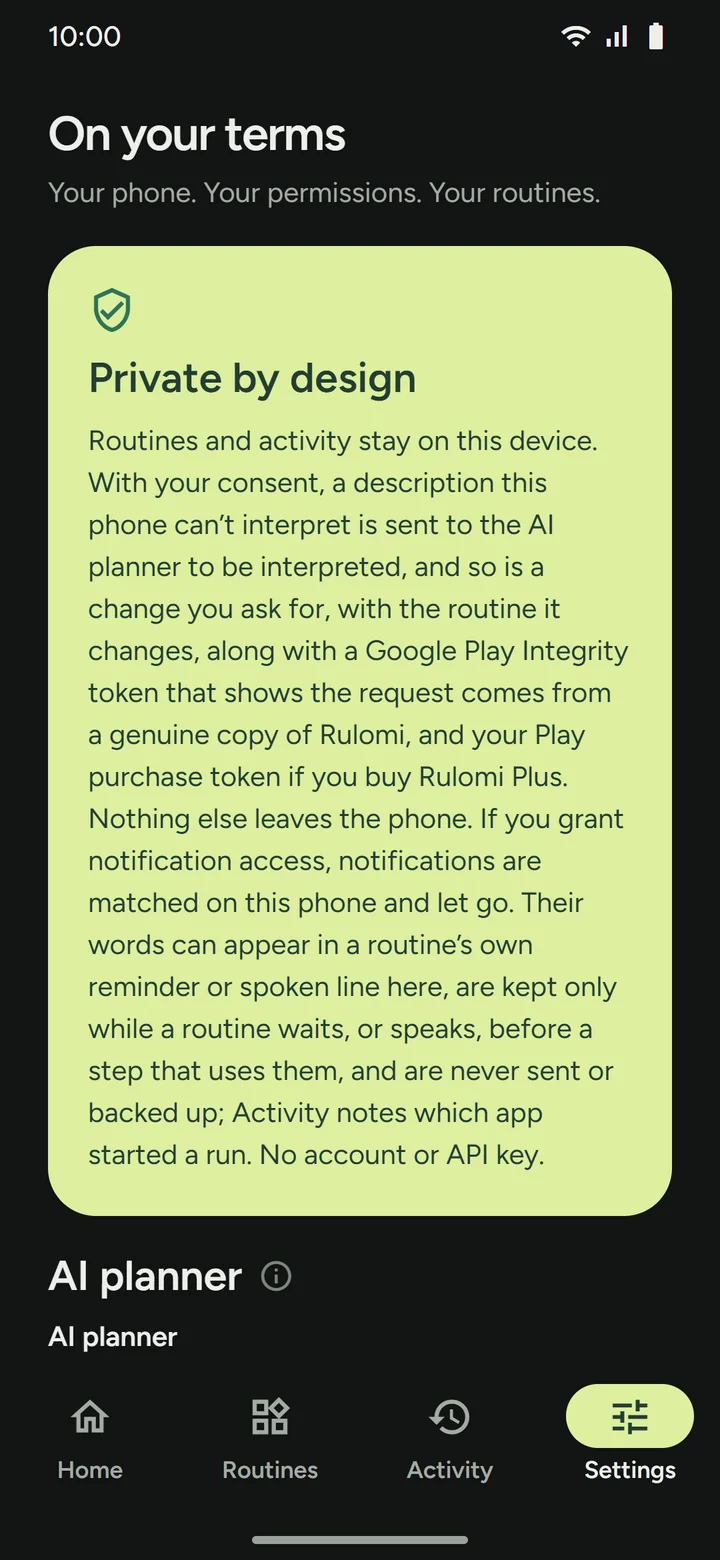
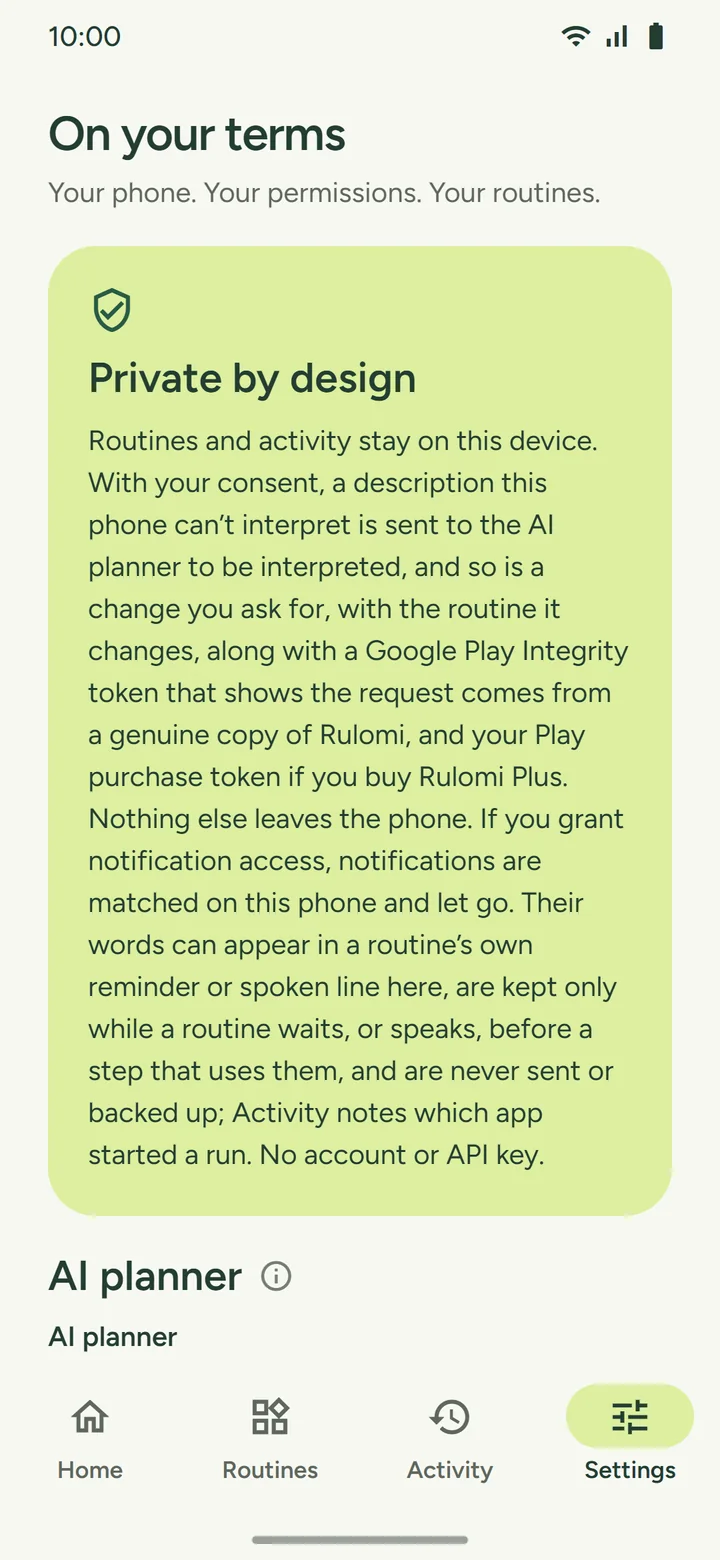
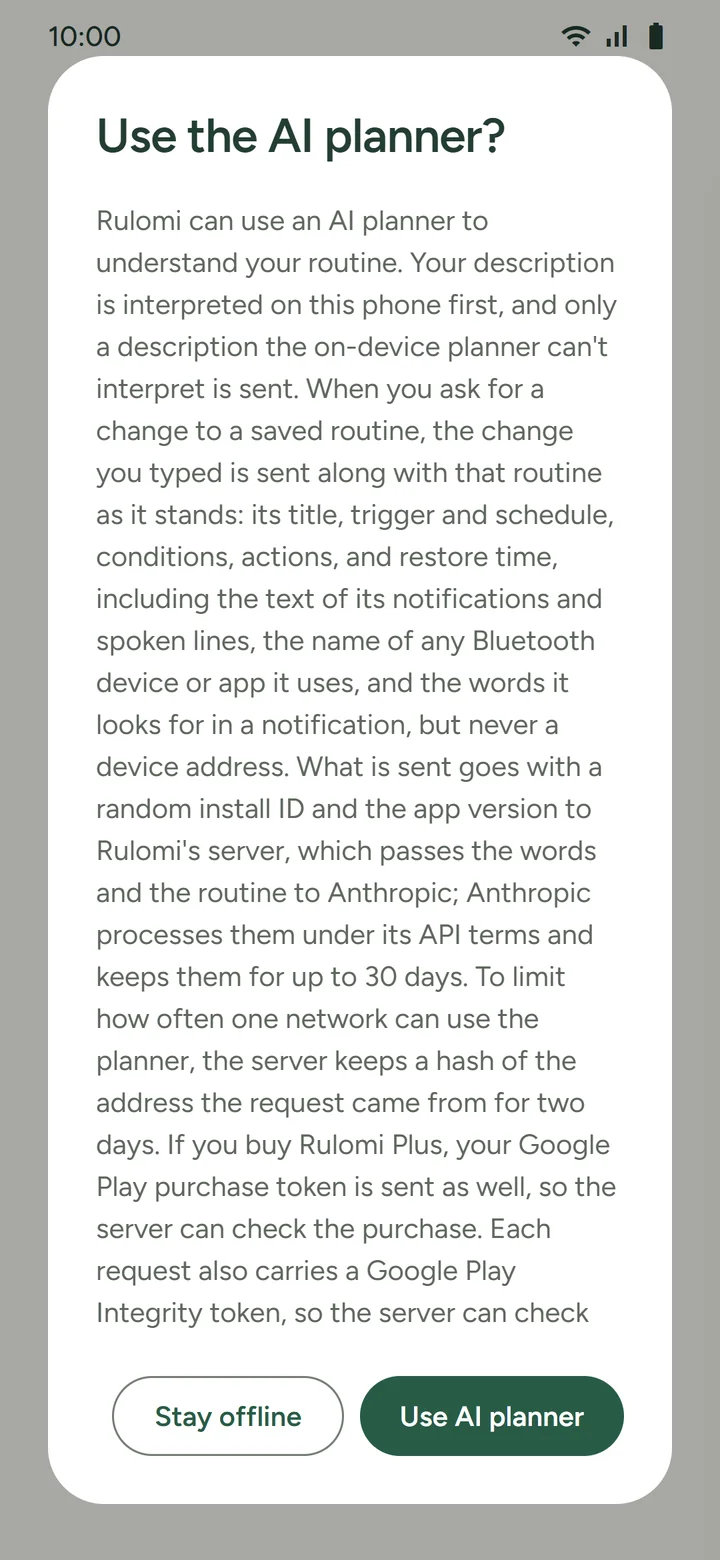
Routines, run history, and everything else you create stay in private app storage. The app sends something only if you allow the optional AI planner, which it asks the first time you build a routine: a description the on-device parser can't place, or a change you type for a saved routine together with that routine as it stands, along with a random install ID and the app version. It travels over HTTPS to our server, which keeps a keyed hash of the network address for two days to limit use, and then to Anthropic's API to be interpreted. You can switch it off in Settings at any time. The only other way your routines leave the phone is a backup file you export yourself. There's still no account and no API key to supply. Read the full privacy policy for the exact data flow.
What the platform actually guarantees, and what it doesn't
Rulomi does not promise uninterrupted execution on every device. These are the real constraints.
com.rulomi.action.RUN_ROUTINE intent, which also opens the confirmation, so nothing outside the tile runs a routine without your tap. Every entry point goes through the same permission and condition checks.Questions worth answering before you install
Automation model keeps planning separate from execution, so you review the same plan and grant permissions before anything runs.